Webflow replaces rigid themes with a flexible global design system.
Style tokens automatically cascade updates across your entire website.
Marketers can build pages independently using reusable components.
Global inheritance ensures total brand consistency on every page.
Foreword
You Don’t Actually Need To
For marketing teams who want control, consistency, and brand freedom. When marketers first move to Webflow, one of the most common questions is “How do we change the theme?”. It’s a perfectly reasonable question, especially if you’re coming from WordPress, Wix, or any platform where themes control the look, feel, and behaviour of your site.
But here’s the good news… Webflow doesn’t really use themes. And that’s actually its biggest strength for marketing teams. Instead, Webflow uses a global design system, flexible components, and brand-controlled styling that gives you far more autonomy, consistency, and creative freedom than a traditional theme ever could.
In this guide, we’ll explain:
What “themes” mean in other CMS platforms
Why Webflow doesn’t rely on them
How Webflow uses global styles to create a consistent brand experience
How marketers can safely update styles without breaking anything
Do Webflow Websites Have Themes?
In short, no. Webflow does not operate on a theme-based structure like WordPress or Shopify. On those platforms, a theme rigidly dictates every aspect of your site, from layouts and typography to colours, header structures, and page templates. Consequently, changing the theme often necessitates redesigning your entire website.
Webflow works differently. Instead of relying on restrictive themes, it empowers marketing teams through a system of:
Global style settings centralise controls for brand colours, typography, and spacing.
Reusable components allow consistent elements such as navigation, buttons, cards, banners, and CTAs.
Page-builder style modules give flexible blocks specifically built for content-driven pages.
Bespoke templates means layouts are designed specifically for your brand rather than a generic marketplace.
This approach gives marketers significantly more control without sacrificing consistency.
How Do You “Change a Theme” in Webflow?
If you're looking for where to swap a theme, you won’t find that button because Webflow is structured around design systems, not themes. Here’s how you actually make brand-wide changes in Webflow.
1. Update Your Global Styles
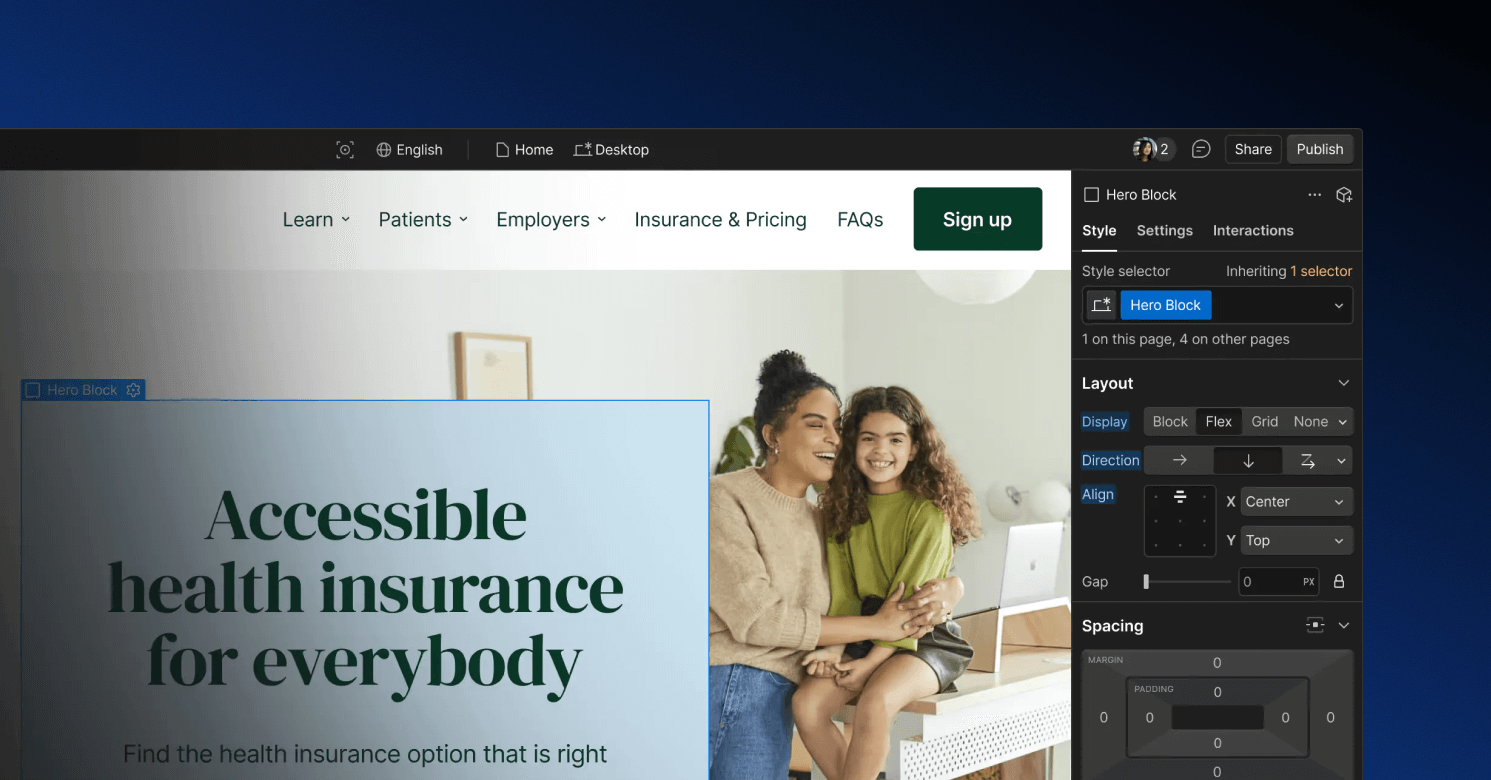
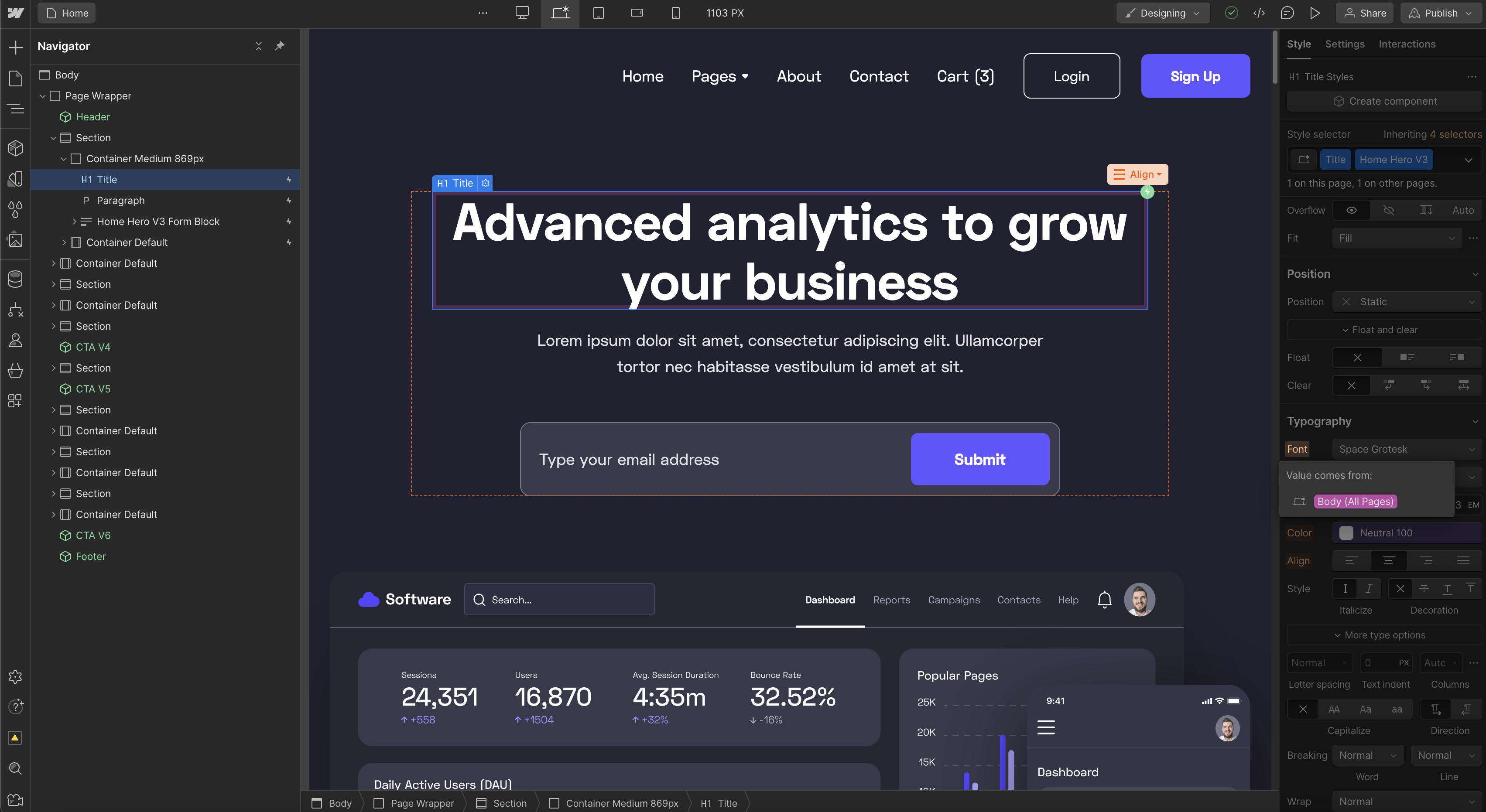
Every Webflow site has a set of global brand styles that act as the foundation of your design system, including:
Colour tokens
Typography scales
Headings (H1–H6)
Paragraph styles
Buttons
Links
Spacing system
Container widths
These are your brand identity, codified.
When a designer or certified Webflow expert sets these correctly, updating your "theme" simply means updating these global styles.
Examples:
Want a cleaner look? Update your typographic scale.
Rebranding? Swap global colours, and the entire site updates automatically.
Want softer layouts? Adjust the spacing scale in one place, see it cascade.
Marketing teams benefit from this because one update impacts everything, safely.
2. Use Flexible Components Instead of Locked Templates
In WordPress, changing a theme usually means replacing cookie-cutter templates. In Webflow, Ayko builds modular, reusable components such as:
Hero variations
CTA blocks
Pricing or comparison blocks
Image + text modules
Testimonial sections
Resource cards
Feature lists
Multi-column content sections
Marketing teams can mix and match these modules to build new pages without touching design or code.
Everything stays consistent because components inherit the global design system. This means you get:
Unlimited layout flexibility
Zero risk of breaking the brand
Faster landing page creation
Cleaner, more maintainable website structure
It’s the best of both worlds, brand control and marketing freedom.
3. Update Design “Themes” Using Style Tokens
Professional Webflow builds for B2B companies don’t rely on ad-hoc styling. Instead, we define a token-based design system, similar to enterprise platforms like Figma and Tailwind.
Tokens include:
Primary / secondary / accent colors
Greyscale spectrum
Font sizes and weights
Standard spacing steps
Border radius values
Shadows and elevation levels
Changing a token updates every component that uses it. This is how Webflow enables seamless brand refreshes without “changing theme” the old way.
4. What You Can Safely Change Yourself
Webflow is built for marketing autonomy, so you can confidently change:
Text and visuals
Content inside CMS pages
Adding or reordering modules on landing pages
Updating CTAs and lead magnet
Creating new pages from templates
Swapping images or replacing hero content
For design system or global style changes (your “theme”), we recommend working with a Certified Webflow Partner like Ayko to ensure:
Full accessibility compliance
Correct cascade behavior
Optimised performance
Zero regression
Consistent brand application
A Webflow site is powerful, but only if it’s structured professionally.
Why Webflow’s “No Theme” Approach Is Better for Marketing Teams
1. Total Creative Freedom Without Templates
Your website can fully reflect your brand identity, not forcing your content into pre-designed themes. Customise layouts, colors, and components to match your vision and stand out from competitors.
2. Consistent Branding Across Every Page
Maintain a cohesive look and feel with global styles that automatically keep typography, colours and spacing aligned even as you add new pages. Consistency strengthens brand recognition and improves user experience.
3. Faster Landing Page Creation for Marketers
Build and launch landing pages quickly using modular components. Marketers gain agility and independence without waiting for developer support or submitting tickets.
4. Simplified Scaling and Updates
Whether it’s a brand refresh or site expansion, updates are fast and easy, taking hours or days instead of weeks. Keep your site fresh and relevant without long development cycles.
5. A Future-Proof, High-Performance Website
Enjoy a website foundation that won’t break with updates or plugins. Unlike traditional themes, your site remains fast, stable, and optimised for performance as it evolves.
So, How Do You Change a Webflow?
The short answer is that you don't. Instead of swapping out a rigid template, you simply evolve your design system. This process involves updating style tokens, refreshing specific components, and extending your available building blocks. Ultimately, this approach grants marketers significantly more control and provides brands with the necessary flexibility without the maintenance headaches associated with traditional themes.
How Ayko Helps B2B Marketing Teams Get the Most Out of Webflow
As a performance-led agency, Ayko engineers Webflow builds specifically to ensure marketing autonomy. We move away from rigid restrictions by providing flexible page-builder modules you can mix and match, all underpinned by a robust, token-driven design system and clean, scalable components. By combining editor-friendly content structures with CRO-focused landing page templates and zero-plugin maintenance overhead, we ensure your website allows you to move at the speed of your marketing team rather than being held back by a development queue.
If you are ready to discuss a new project or simply want to explore how we can support your Webflow needs, get in touch with our team today.
By clicking "Accept all cookies", you agree to storing cookies on your device to enhance site navigation, analyse site usage and assist in our marketing efforts as outlined in our privacy policy.
By clicking 'Accept all cookies', you agree to storing cookies on your device to enhance site navigation, analyze site usage and assist in our marketing efforts as outlined in our privacy policy.